Last. started with one question: when did I last…? Today it counts in every direction.
Since. Until. Without.
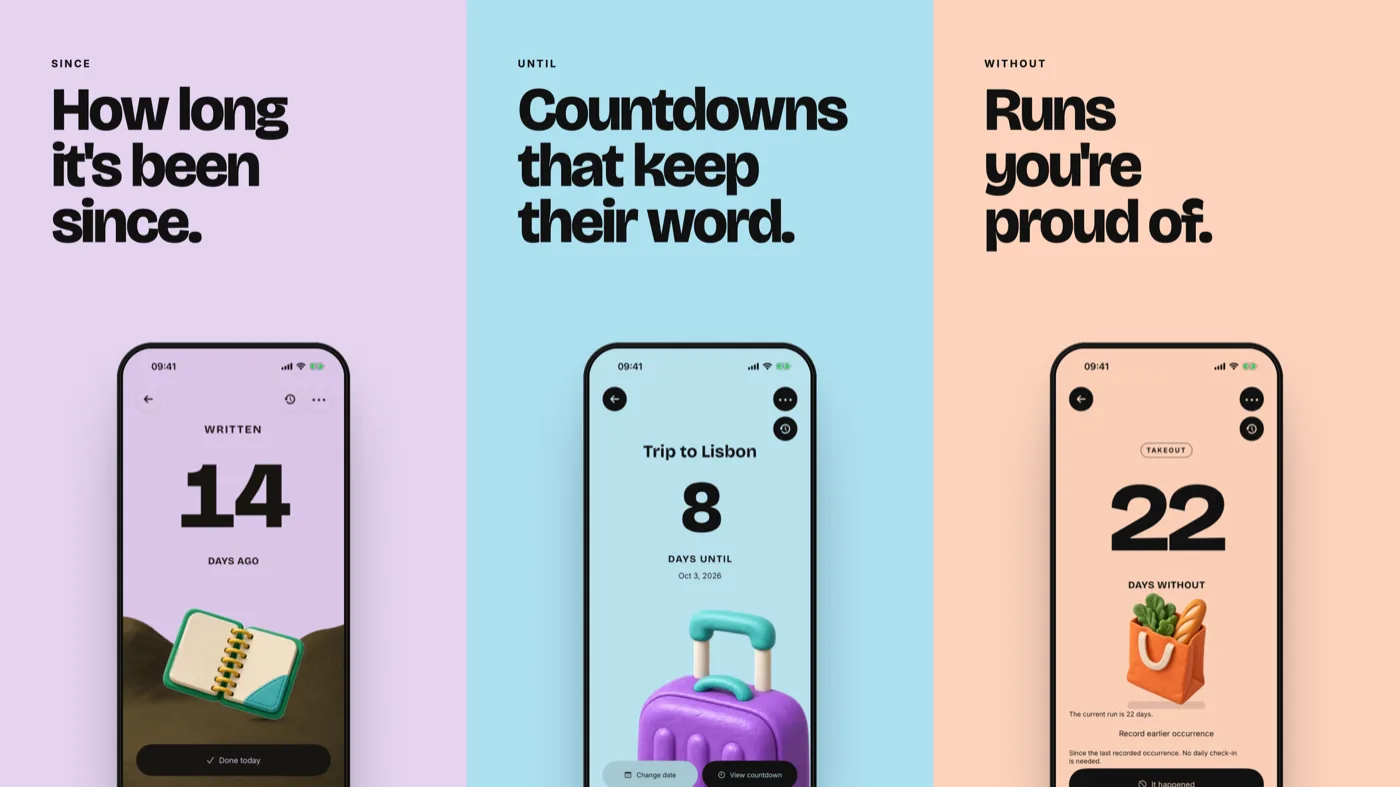
When you create a thing, you now choose how it counts:
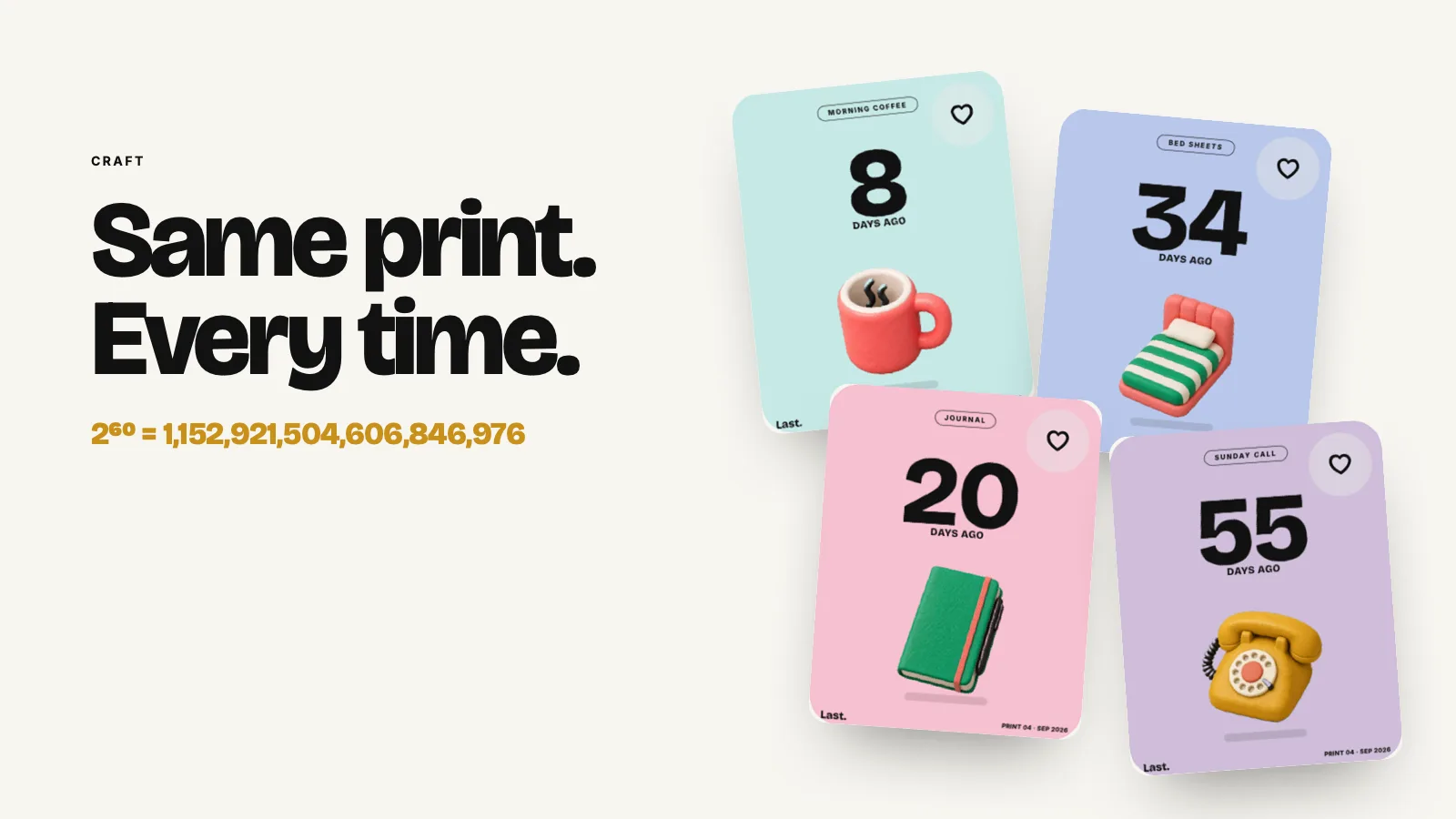
- Since: how long it's been. Changed the sheets, serviced the car, descaled the kettle. Tap once when you do it again, and the old number becomes a print.
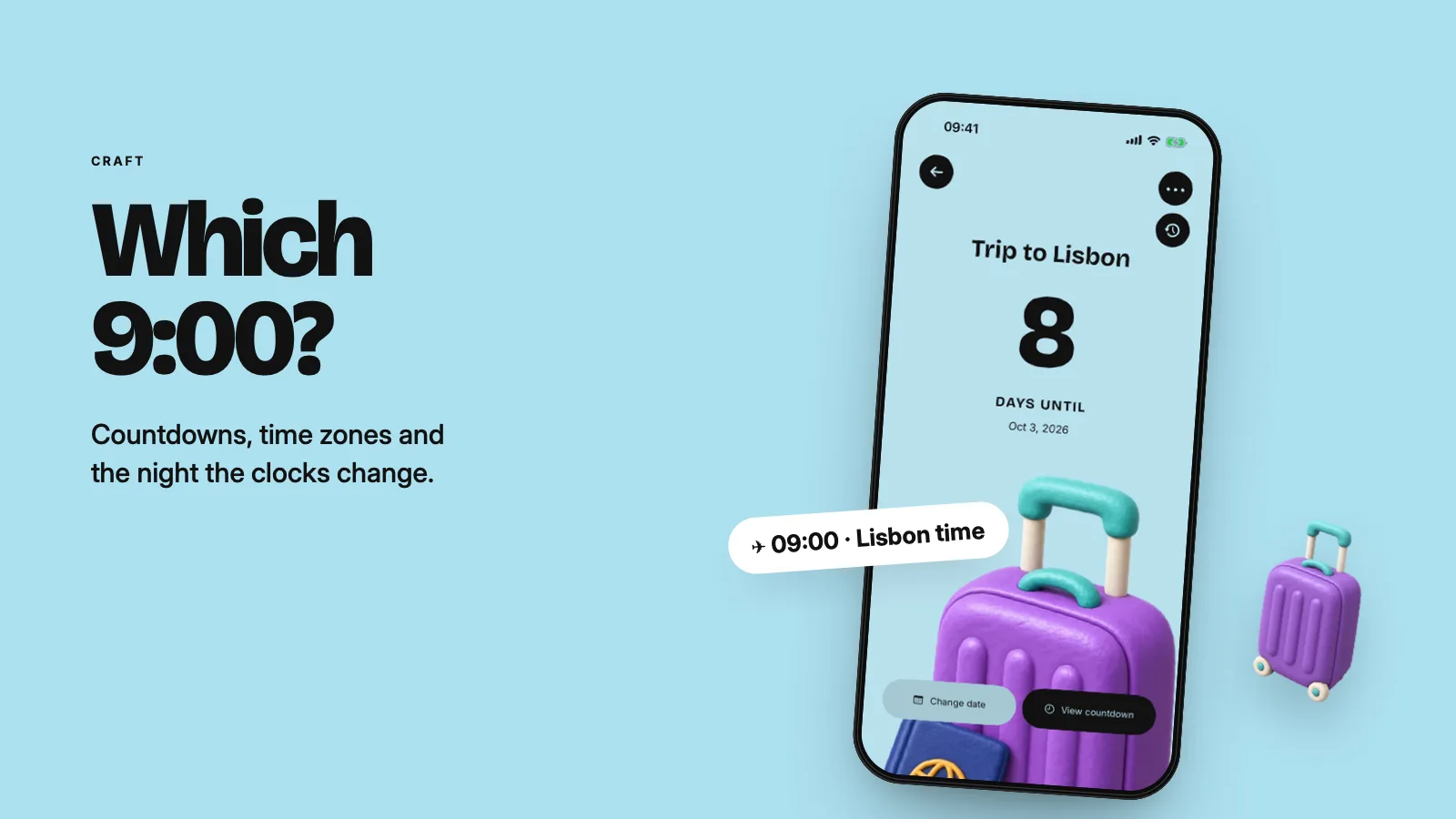
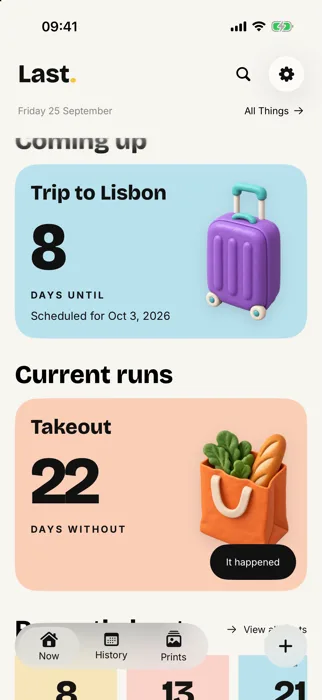
- Until: countdowns to trips, birthdays and big days. All-day, or to the minute in the time zone you choose. When the day comes, Last. asks whether it actually happened before keeping its print.
- Without: days without something you're proud of skipping, like a no-spend run or no takeout. Milestones earn a print, and when a run ends there's no red X, just a fresh start.
A new Home
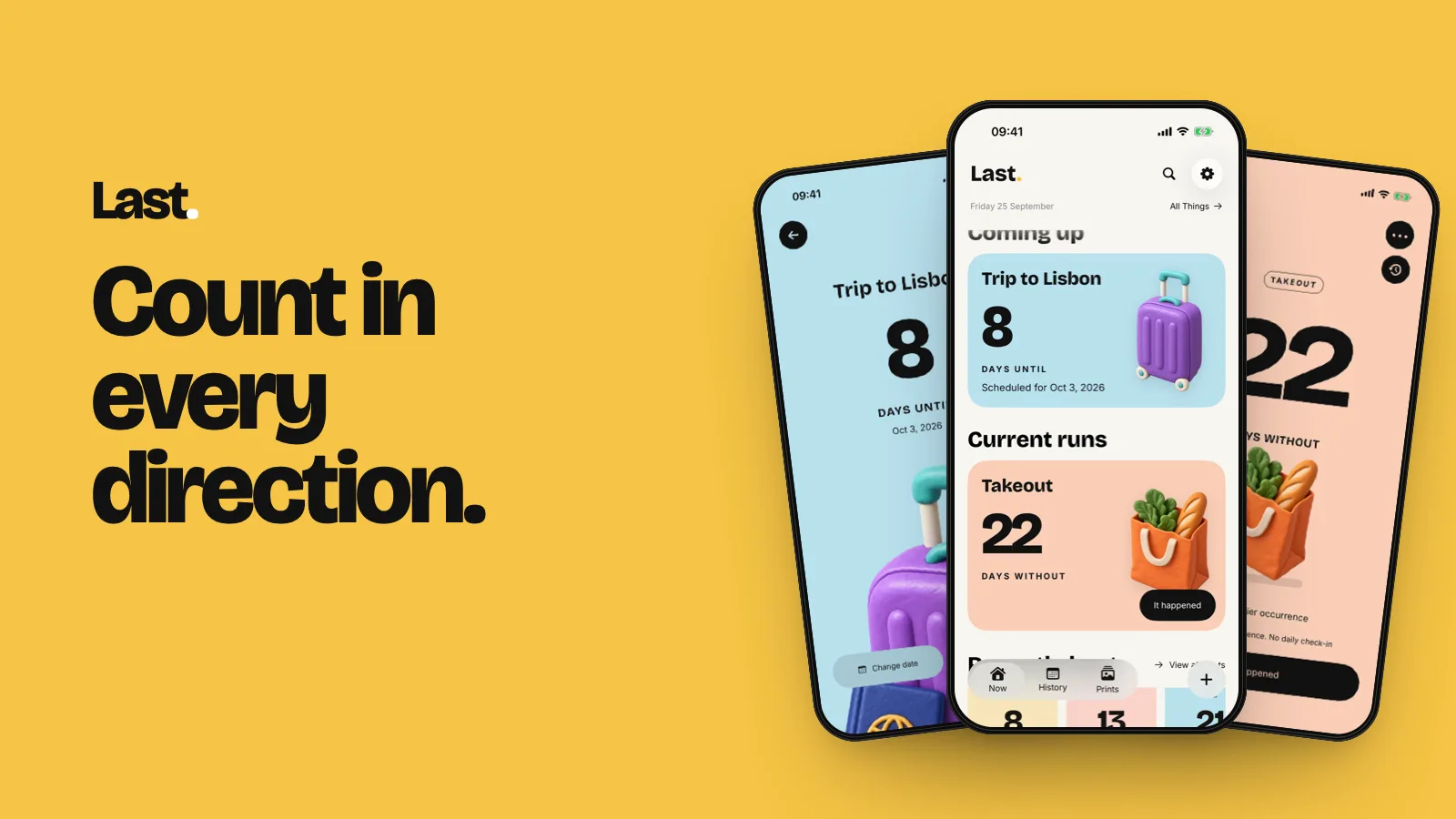
Home is rebuilt around what matters today. Quick record logs the things you do most with one tap. Coming up shows your next countdowns, Current runs shows your runs, and Recently kept shows your latest prints.
Runs, plans and memories
- Run Rhythm: every Without run is drawn as an arch, with its milestone prints and a day-by-day calendar underneath.
- Reveal Path: a countdown's clay object travels from start to target as the day gets closer.
- Plans on your calendar: upcoming countdowns can appear in History, and every moment opens its own memory sheet.
- Reminders that fit: optional nudges for each mode, including a heads-up before a countdown. Never a daily check-in.
Everywhere you look
Widgets, Apple Watch and Live Activities now understand all three modes, so a countdown sits on your Lock Screen as naturally as a days-since counter, and a run shows its last seven days.
Bigger, and in more languages
- A dedicated layout for iPad.
- Last. is now available in French, German, Spanish, Japanese, Korean and Simplified Chinese, with an in-app language choice.
- New poster treatments for your prints.
Last. is free to start, with no ads and no account. Update from the App Store, and tell us what you're counting first.